Ready-to-teach Computing lessons
for your school
Students learn through lessons, animations and games. Teachers get everything ready to use, with structured lesson plans, and are trained to teach. And your school meets BNCC Computing, Brazil's national curriculum for Computing, with ease and confidence.
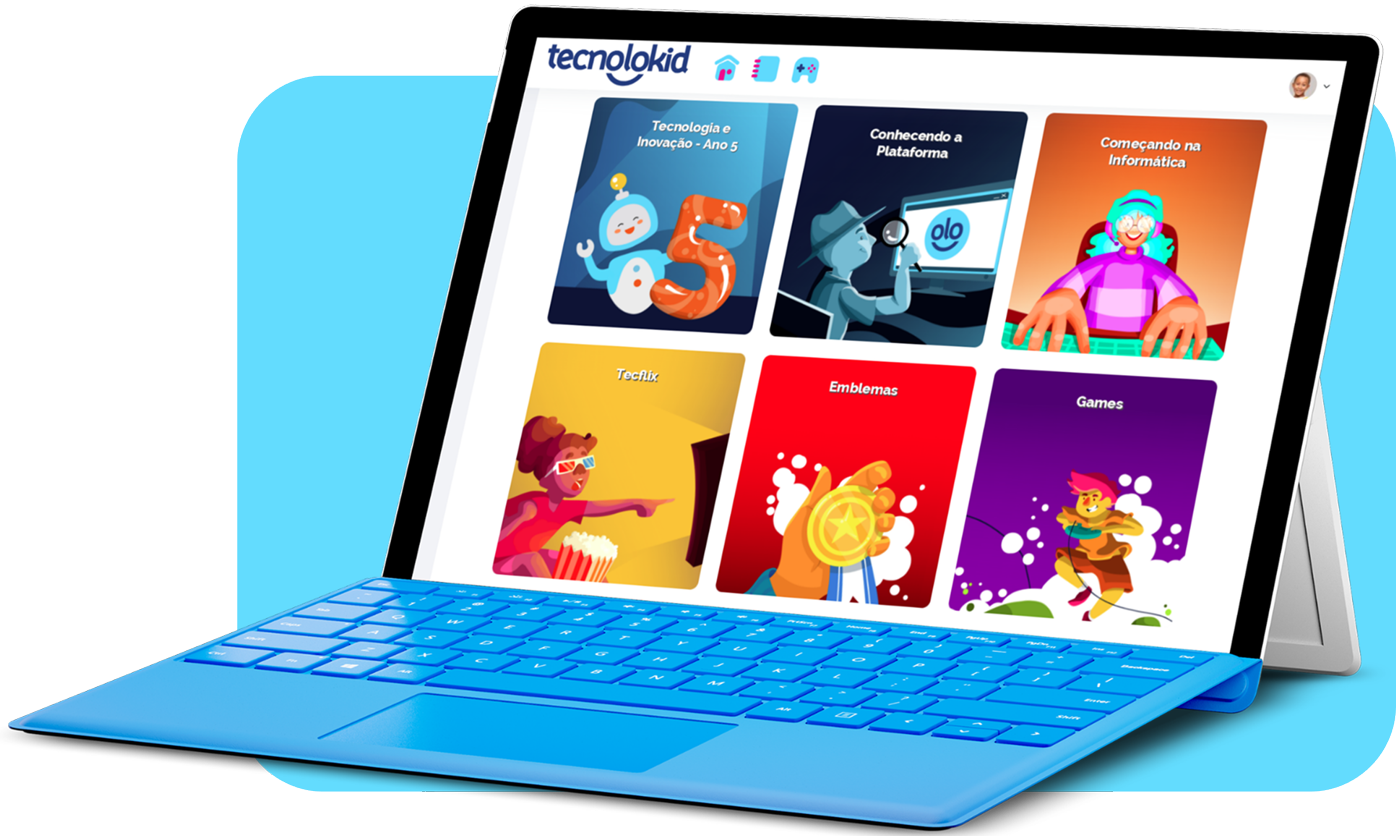
The easy and reliable way to implement BNCC Computing.
 Structured content aligned with BNCC Computing
 Digital resources to support learning
 Ongoing training to support teachers
 Monitoring of learning and results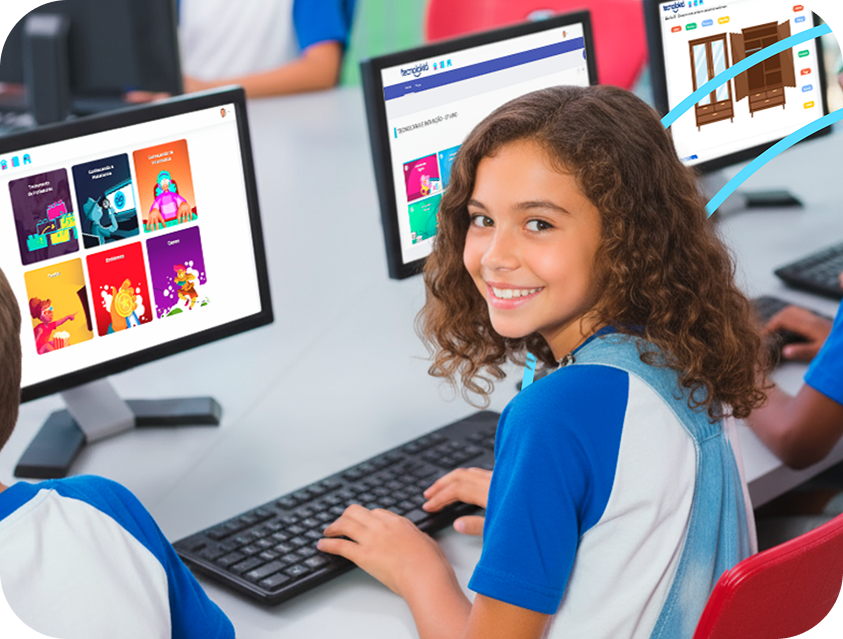
How OLO reaches the classroom
A methodology that works in your context.
Prepared teachers
Ongoing training prepares every educator to use the platform with confidence. Learn about the training
Ready-to-teach lessons
Structured content aligned with BNCC Computing, organized into learning paths.
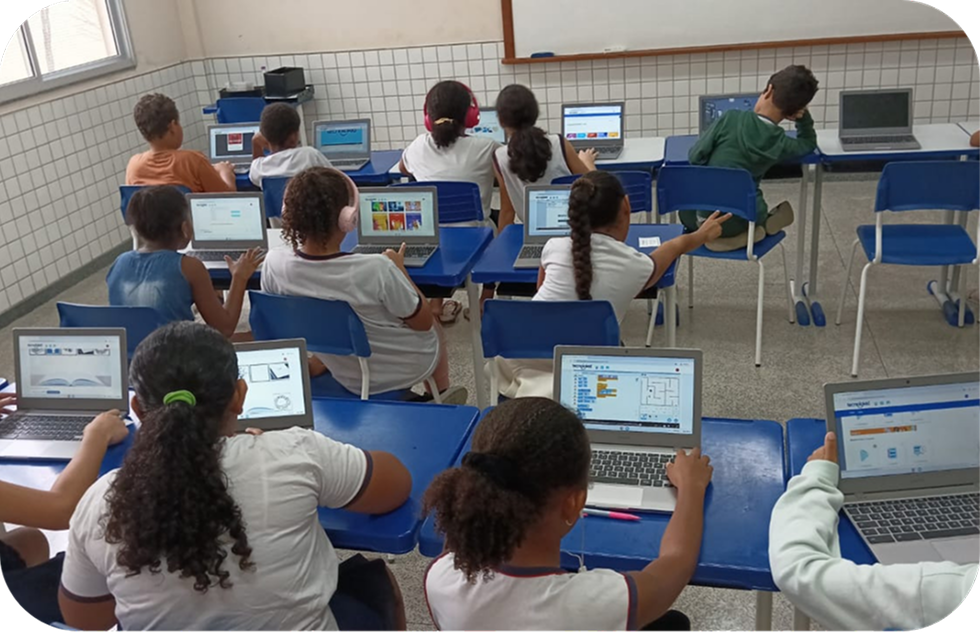
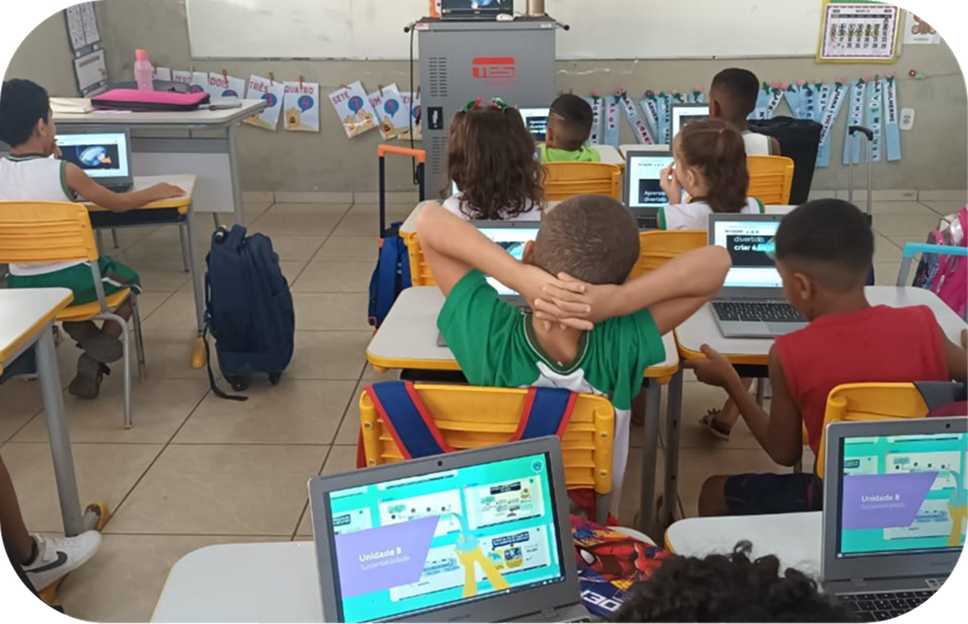
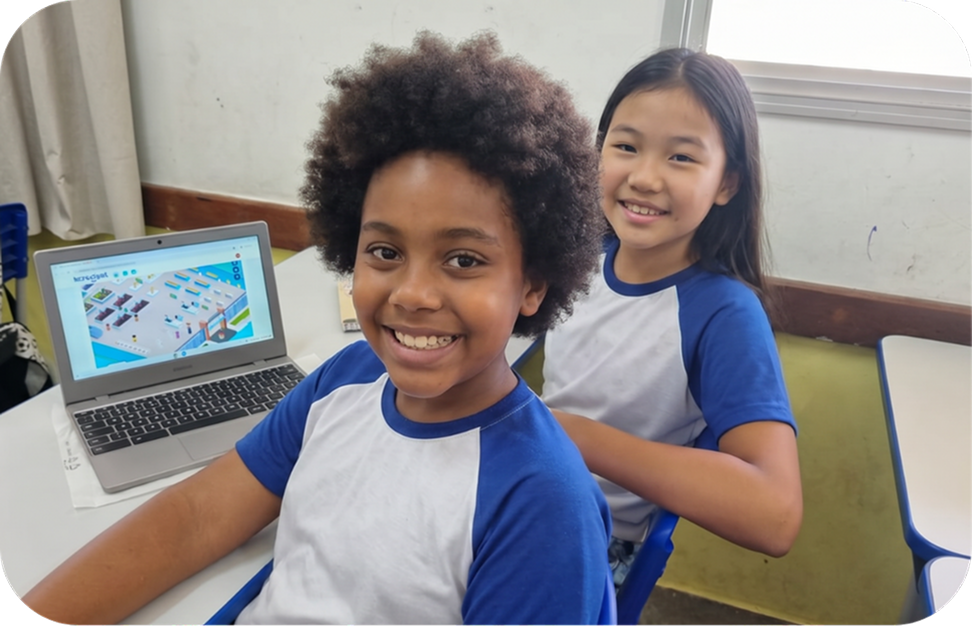
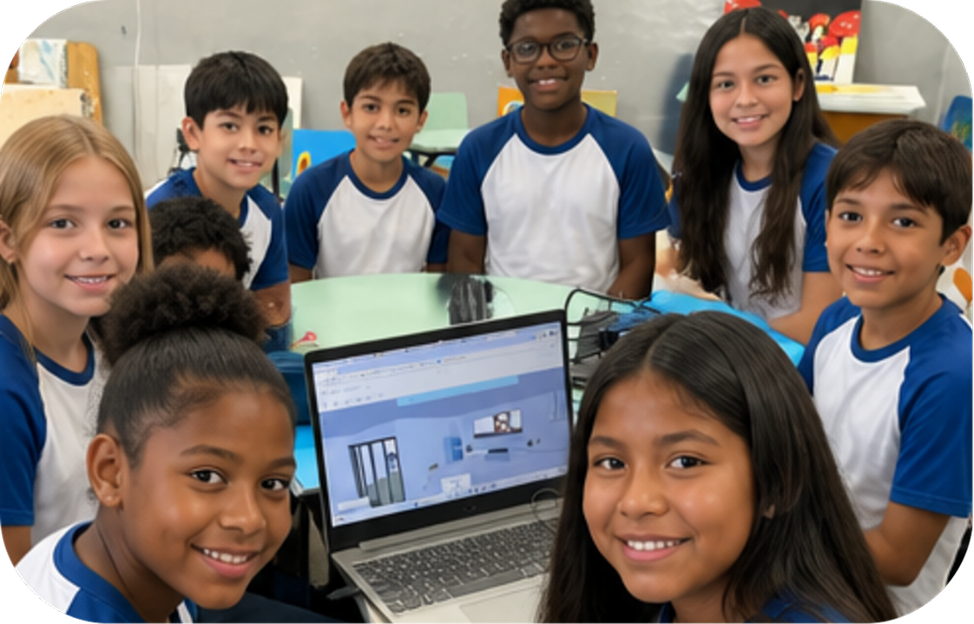
Students in action
Animations, interactive e-books and gamified activities for learning by doing.
Visible results
Learning progress tracking for schools and education departments.
Everything in one place
The OLO Platform brings together content, activities, teaching resources and tracking tools to make BNCC Computing implementation more organized, practical and measurable.
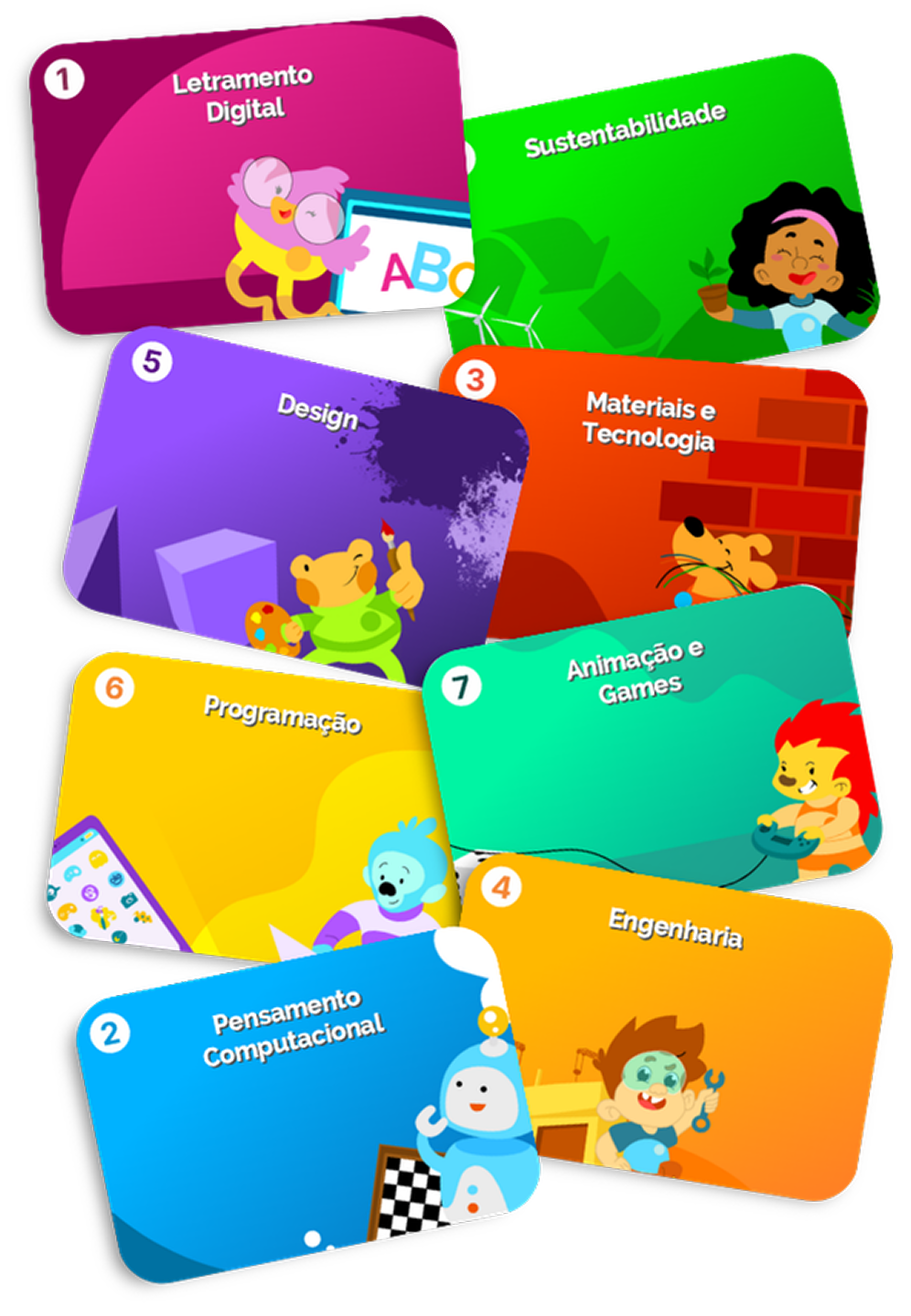
7 learning paths
- Digital Literacy
- Computational Thinking
- Materials and Technology
- Engineering
- Design
- Programming
- Animation and Games
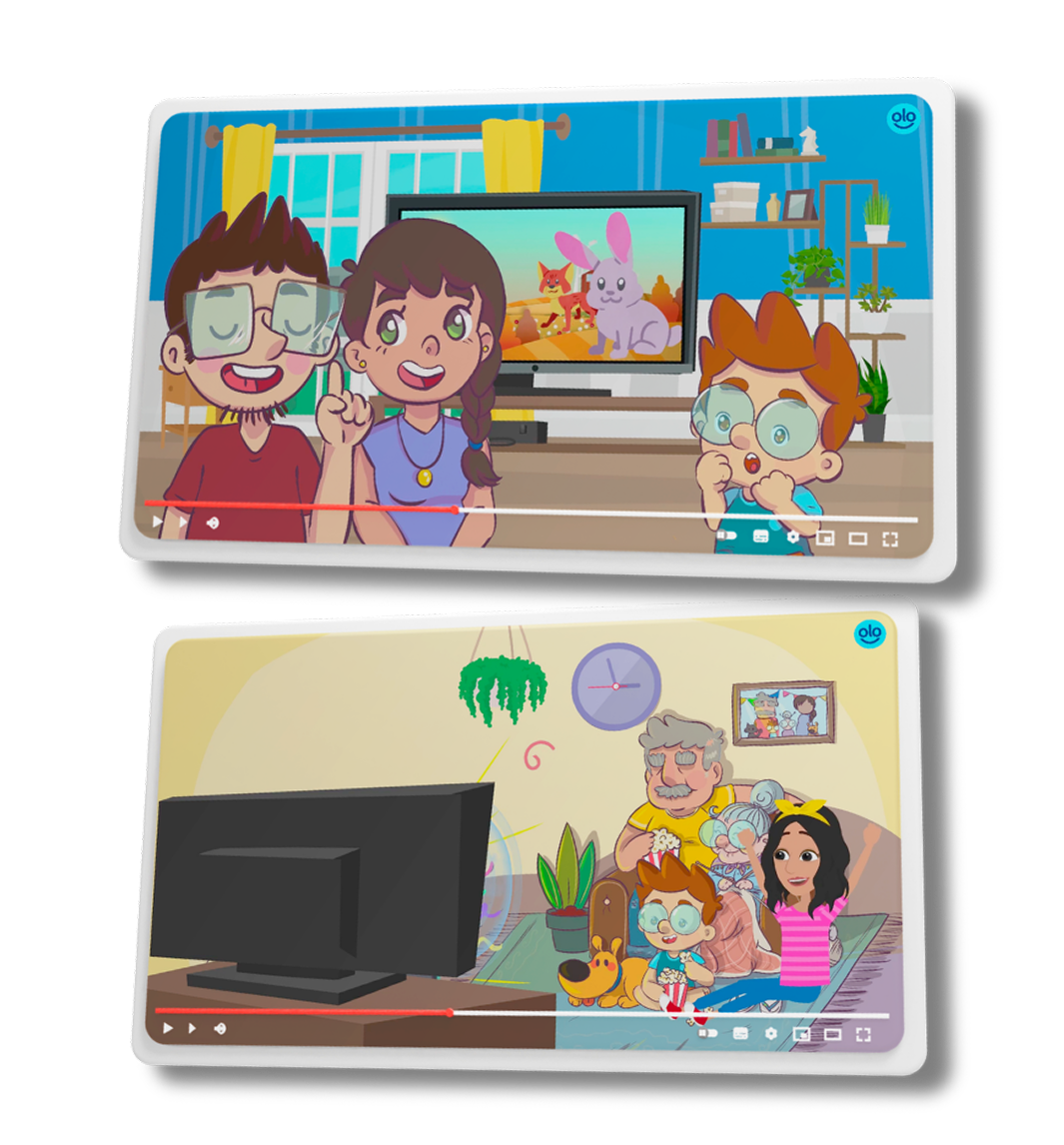
Resources that support the entire learning journey
Instructional animations
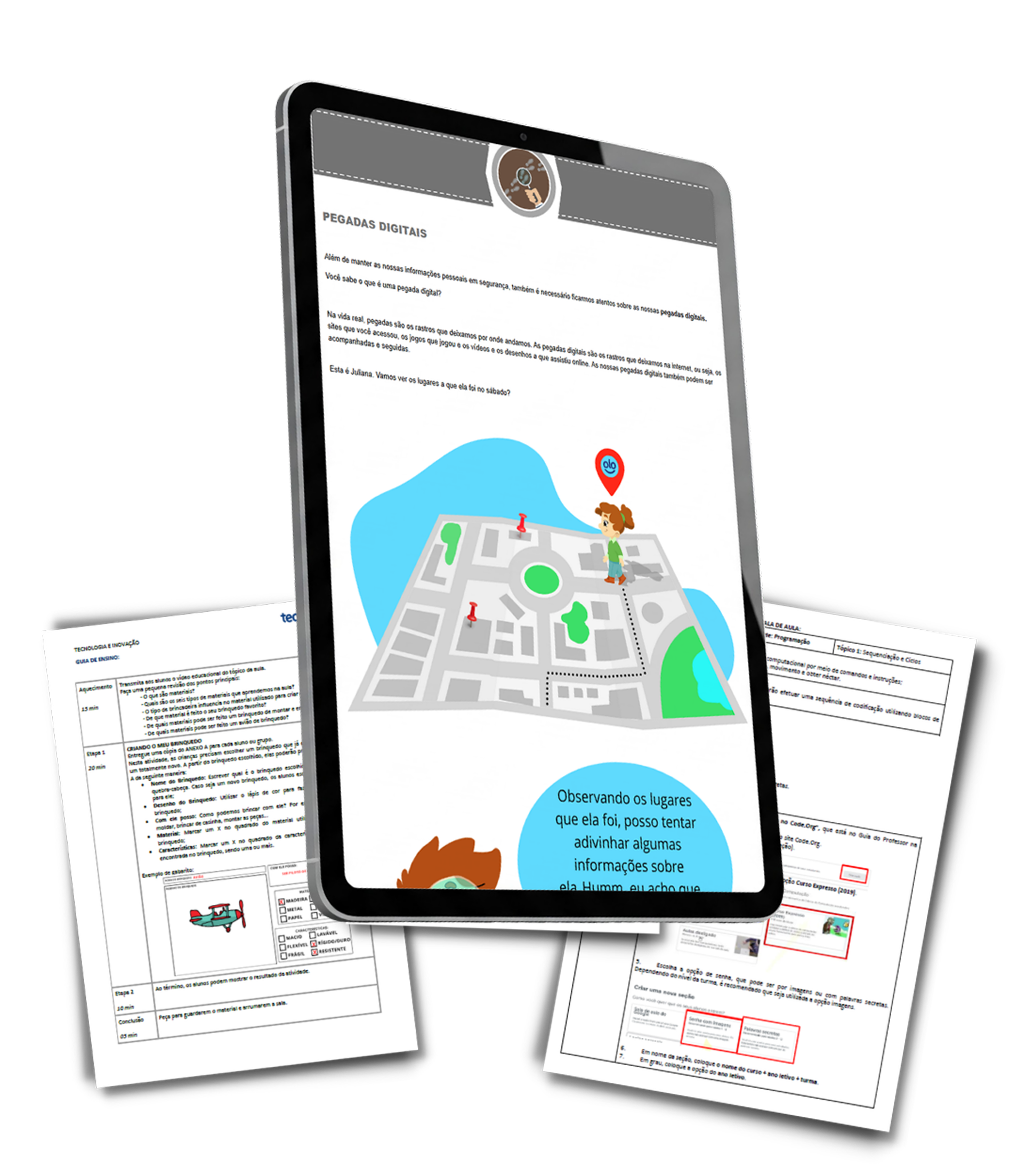
Interactive e-books
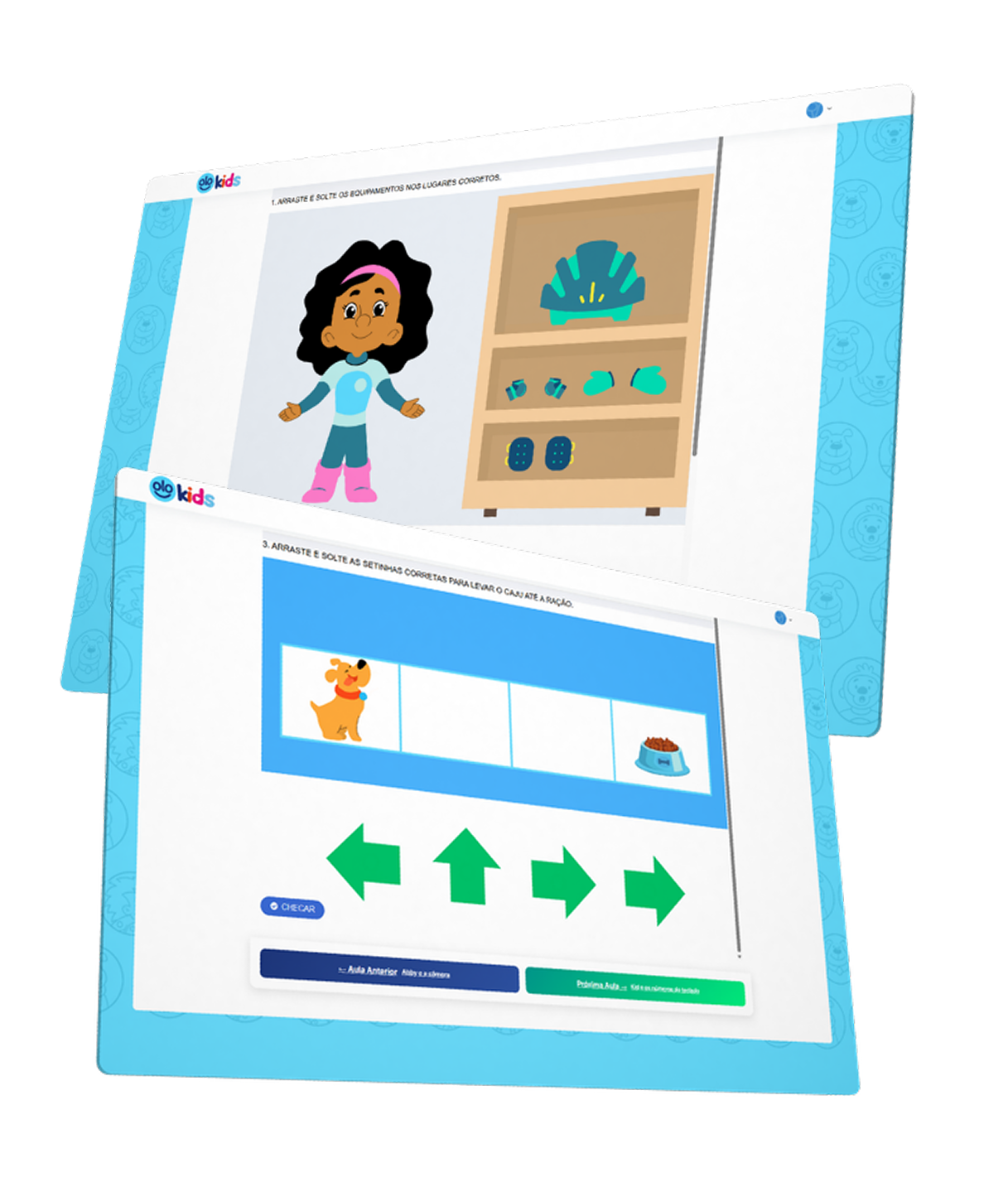
Gamification
Everyone sees OLO their own way
Learning Computing by doing
- Animations that explain each concept
- Gamified activities that make students want to keep going
- Learning paths from digital literacy to programming
Planned lessons, without starting from scratch
- Structured content aligned with BNCC Computing
- Interactive e-books and teaching guides
- Ongoing training to lead the lessons
Organized and measurable implementation
- One solution for the entire school network
- Monitoring of learning and results
- Aligned with BNCC Computing, Brazil's Ministry of Education (MEC) guidelines and the Digital ECA
Who is the OLO Platform for?
 Public and private schools
 Municipal and state education networks
 Education departments and school networks
 K-12 teachers
A platform to support teachers, students and school leaders!
Frequently asked questions
Is OLO aligned with BNCC Computing?
Yes. The content is structured around BNCC Computing for Elementary, Middle and High School, and the platform also follows the guidelines of Brazil's Ministry of Education (MEC) and the Digital ECA.
Do teachers receive training?
Yes. Ongoing training is part of the platform, so that every teacher feels confident in the classroom. Learn more about teacher training.
What topics do students learn?
There are 7 learning paths: Digital Literacy, Computational Thinking, Materials and Technology, Engineering, Design, Programming, and Animation and Games.
How do schools and education departments track results?
The platform includes learning tracking tools, so that school leaders can see how each class is progressing.
Which devices does it work on?
Chromebooks, desktop computers and laptops. For tablets and interactive screens, we have other solutions.
Is it suitable for both private and public schools?
Absolutely! OLO serves public and private schools, municipal and state school networks, and education departments.
Shall we make BNCC Computing easier?
Leave your contact details and we will show you the OLO Platform in action, with a proposal designed for your school or school network.
- We reach out to you on WhatsAppTo understand the reality of your school or network.
- We show you the platformA guided demonstration of the content and progress tracking.
- You receive a proposalTailored to your number of students and teachers.